Securing a PHP Web Application: A Practical Baseline
Ten security practices every PHP website and web application should have in place — from supported PHP versions and prepared statements to sessions…
LCP, INP and CLS in plain English: what Google’s Core Web Vitals measure, the thresholds that count as “good”, and the fixes that usually make the biggest difference.
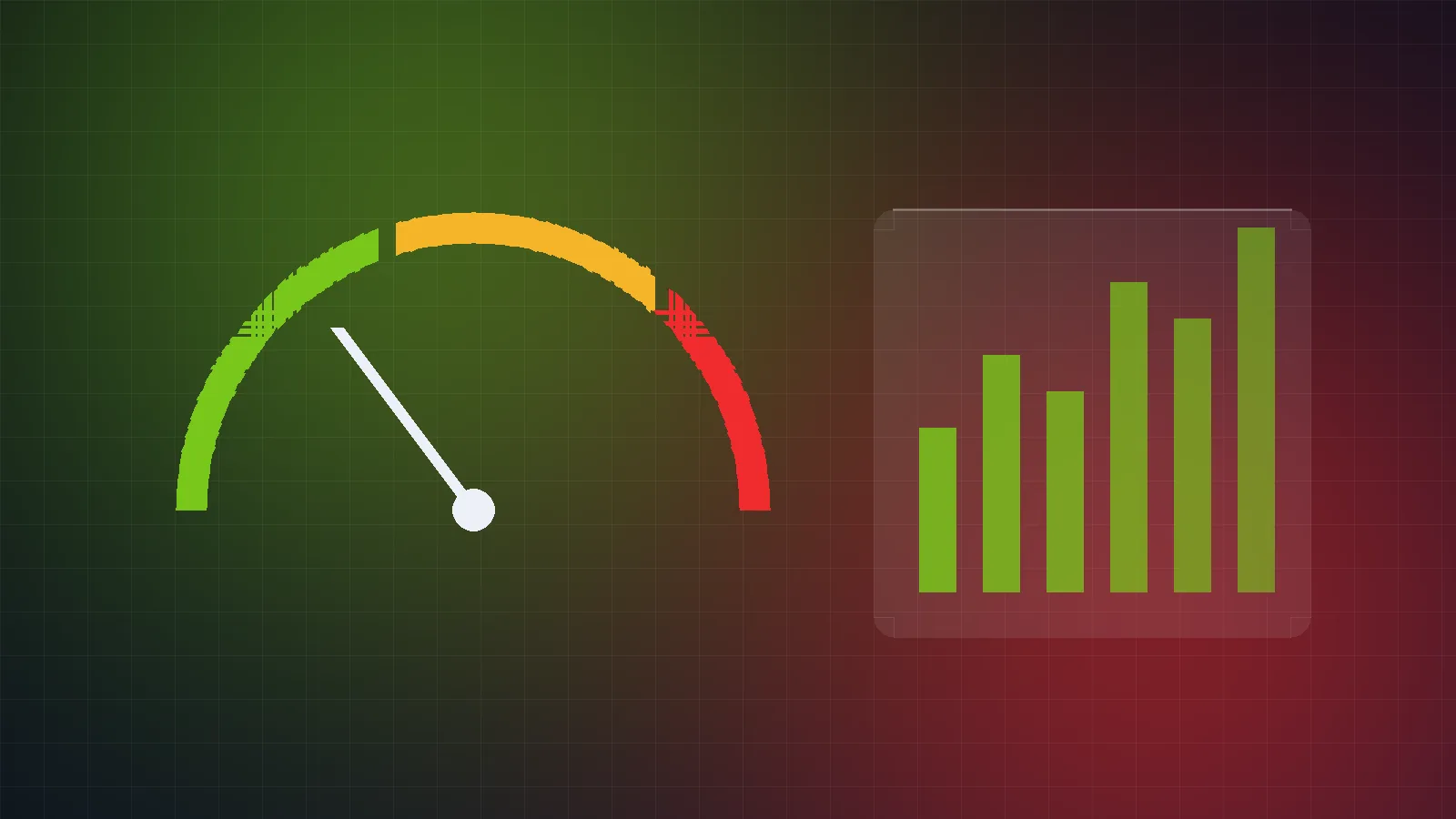
If someone has told you your website “fails Core Web Vitals”, it can sound like a technical problem only developers need to care about. In reality these metrics describe something every business owner cares about: how quickly and smoothly your website works for real visitors.
Core Web Vitals are three measurements Google uses to describe the loading speed, responsiveness and visual stability of a page. They are measured from real visitors’ browsers, and a page is considered to pass when at least 75% of visits meet the “good” threshold for each metric.
LCP measures how long it takes for the largest visible element — usually a hero image or main heading — to appear. A good LCP is 2.5 seconds or less.
INP measures how quickly the page responds visually when someone taps, clicks or types. It replaced the older First Input Delay metric in March 2024. A good INP is 200 milliseconds or less.
CLS measures how much content unexpectedly jumps around while the page loads — the annoying moment when you go to tap a button and an image pushes it down. A good CLS score is 0.1 or less.
Core Web Vitals are part of the page experience signals Google considers, but relevance and content quality matter far more for rankings. The stronger reason to care is your visitors: slow, jumpy pages frustrate people, especially on mobile connections, and frustrated visitors leave before they enquire or buy.
font-display: swap so text appears quickly.A lab score of 100 is satisfying but not the goal. Aim for the “good” thresholds for your real visitors on the pages that matter most — your homepage, key service pages and checkout or contact pages — and keep an eye on the reports after every significant change.
Keep reading

Ten security practices every PHP website and web application should have in place — from supported PHP versions and prepared statements to sessions…

Connecting your CRM, payment gateway or ERP? Answer these ten questions first to avoid duplicate data, silent failures and security gaps.
Let’s talk
Tell us what you want to achieve. We will reply with honest advice, a clear scope and the next steps — no obligation.